Product Update
1 minYour logo on the traveler eSIM page
Travelers who open their eSIM page now see your agency's logo and name, so the experience stays under your brand from start to finish.
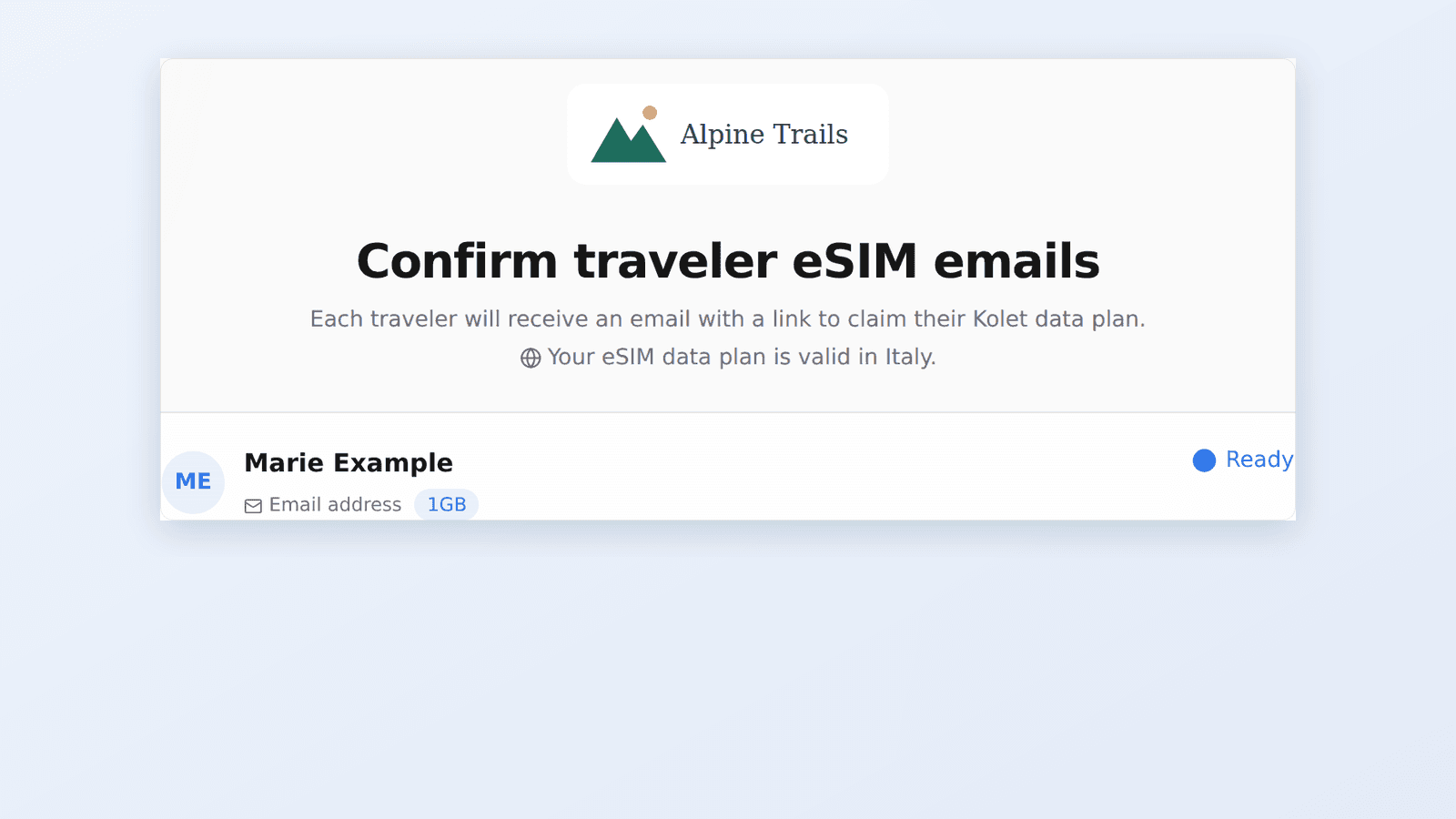
When travelers scan the eSIM QR code in their travel documents, they land on a page where they confirm the email addresses that receive their eSIM data plan. That page now shows your agency's logo at the top, and the browser tab shows your agency's name.
The logo is the one in your agency settings. If you have not added one yet, travelers see the OnSpot logo instead. To show yours, add it in your agency settings.