A changelog you can actually read
Every change worth knowing about now gets a dated entry you can open — what was wrong, what changed, and a picture of it. It lives behind the help bubble.
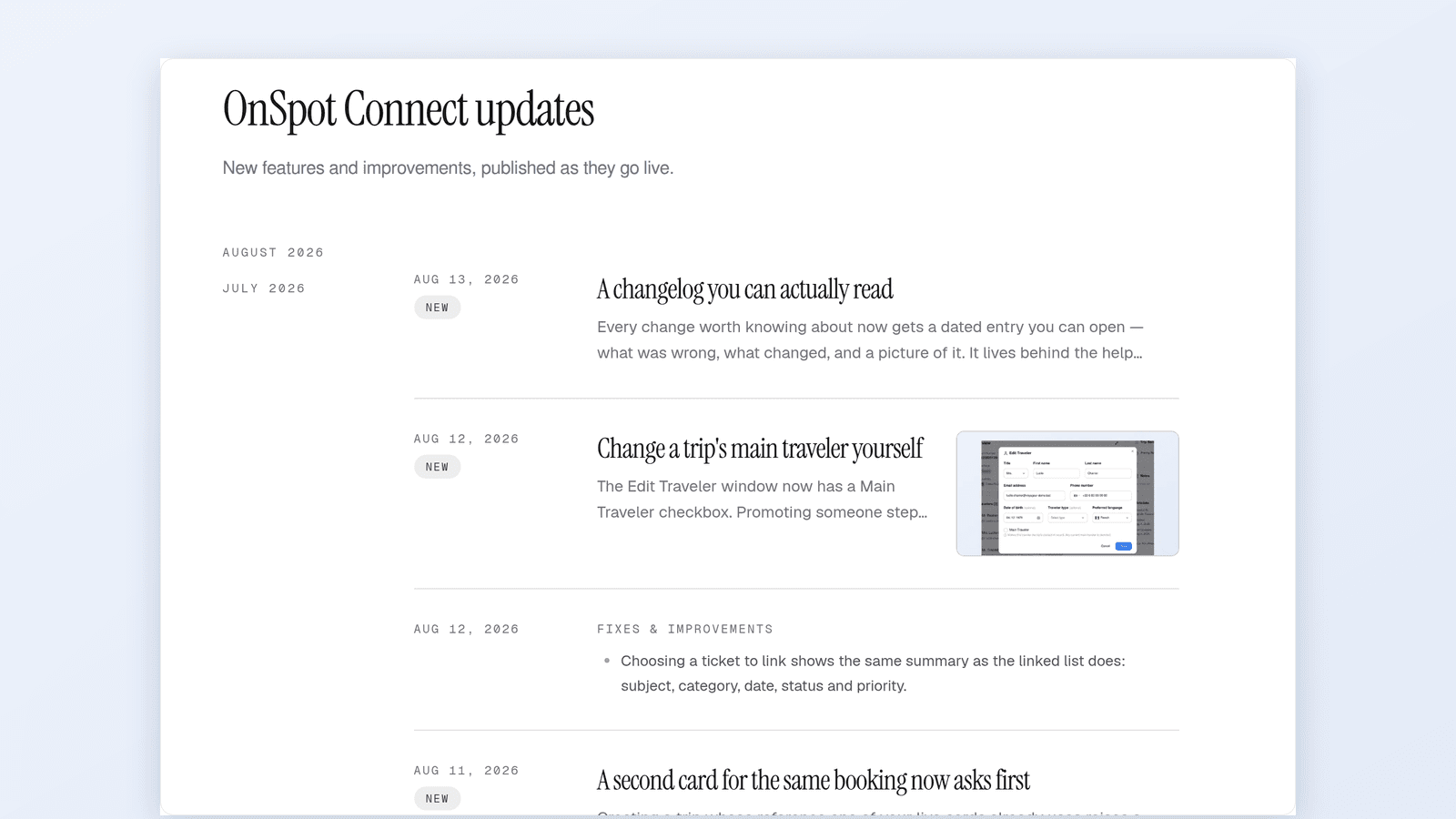
Until this week the product changed underneath you without saying so. A column appeared, a status was renamed, a page got faster, and the only way to find out was to notice. Release notes existed in the sense that somebody could have written one.
What's New is a feed of dated entries, and each one opens as an article rather than a line: what was wrong before, what changed, and — where there is a new surface to show — the screen itself instead of a bullet list. Small things are grouped into one "Fixes and improvements" block per day, because they are worth recording and not worth a page.
You reach it from the help bubble in the bottom-right corner of any page. A yellow dot on the bubble means there is something you have not read; opening the page clears it, on every device you sign in from.
Anything written for agencies is also published at /changelog, which needs no login. Send someone the link to a single entry and it opens for them.
The bar is that you can feel it. Refactors, repairs and infrastructure work do not get written up, however much of the week they took. A screen you use every day changing does.