Change a trip's main traveler yourself
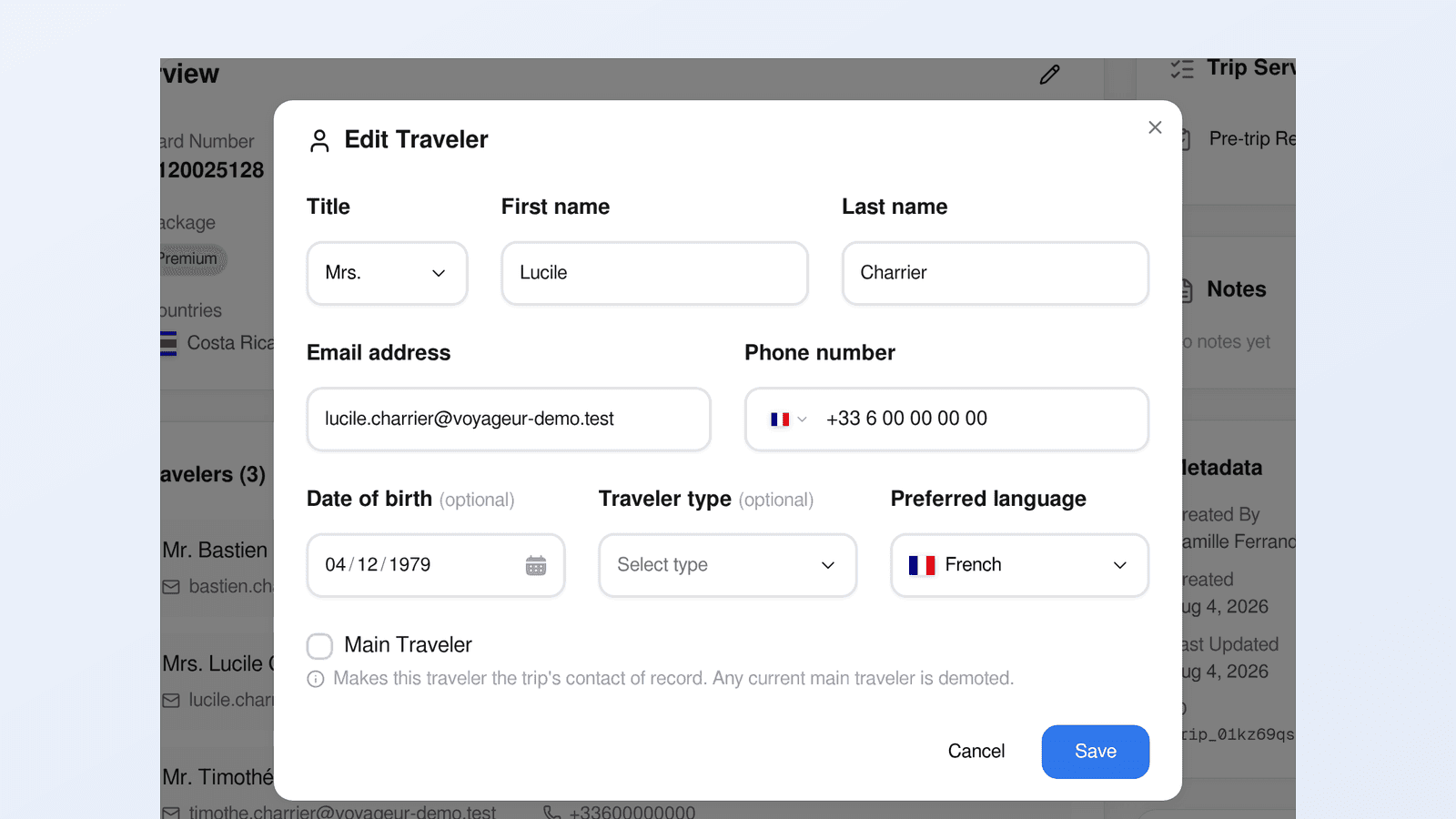
The Edit Traveler window now has a Main Traveler checkbox. Promoting someone steps the previous main down in the same save, so a cancelled lead passenger no longer needs a support request.
The main traveler cannot be removed from a trip, and until now nothing in the dashboard let you choose a different one. So when the lead passenger cancelled, the card was stuck: the only way through was to write in and have the change made by hand.
Open Edit Traveler on any passenger and there is now a Main Traveler checkbox. Tick it, save, and that traveler becomes the main while the previous one steps down — one operation, in one transaction, not two edits that could half-land.
What it will not do
It cannot un-set. The box is disabled for whoever is already the main, because a trip without one has no name on its card, no recipient for the pre-trip email and no surname on the invoice. You change the main by promoting somebody else, never by clearing the current one.
A main traveler needs a title, both names, a language and either an email or a phone number, so promoting an incomplete profile asks you to fill it in first. The checkbox is also absent when you add a traveler: add first, promote after — the same order the API has always used.