New Feature
1 minChoose which product news reaches your inbox
OnSpot Connect now emails you when new product news is published. You decide which kinds you receive from your profile settings.
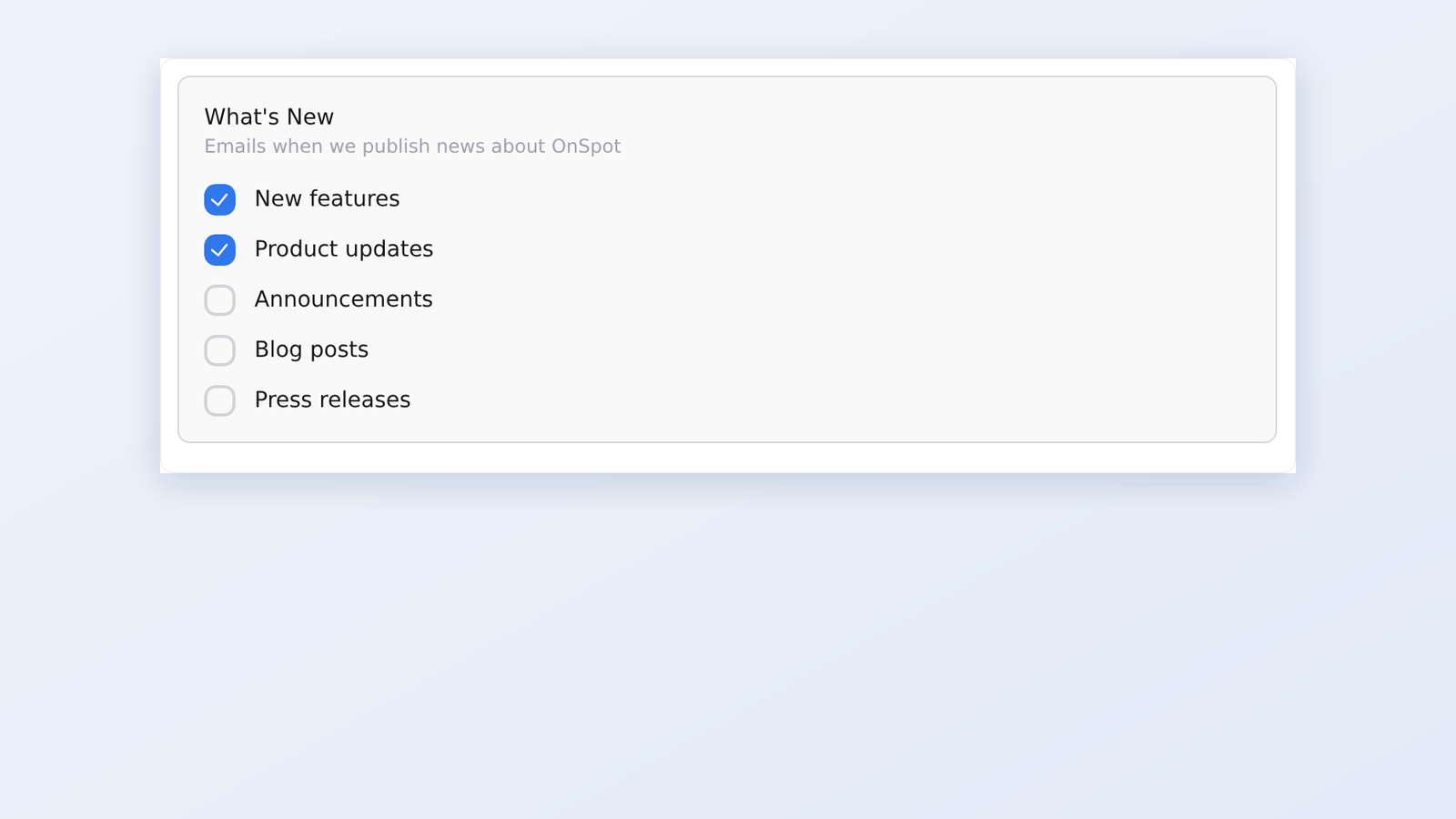
When a new article appears in What's New, you can now receive it by email. Each email shows the title, a short summary and the image, with a button to read the full article and a link to every past update. It arrives in your language.
To choose what you receive, go to Settings → Profile → Email Notifications and open the What's New section. New features and Product updates are on by default. Announcements, Blog posts and Press releases stay off until you switch them on. The Receive email notifications switch still turns every email off at once.