A history for your notifications
Notifications now stay in a history you can browse and filter. Opening one no longer makes it disappear, and mentions take you straight to the message.
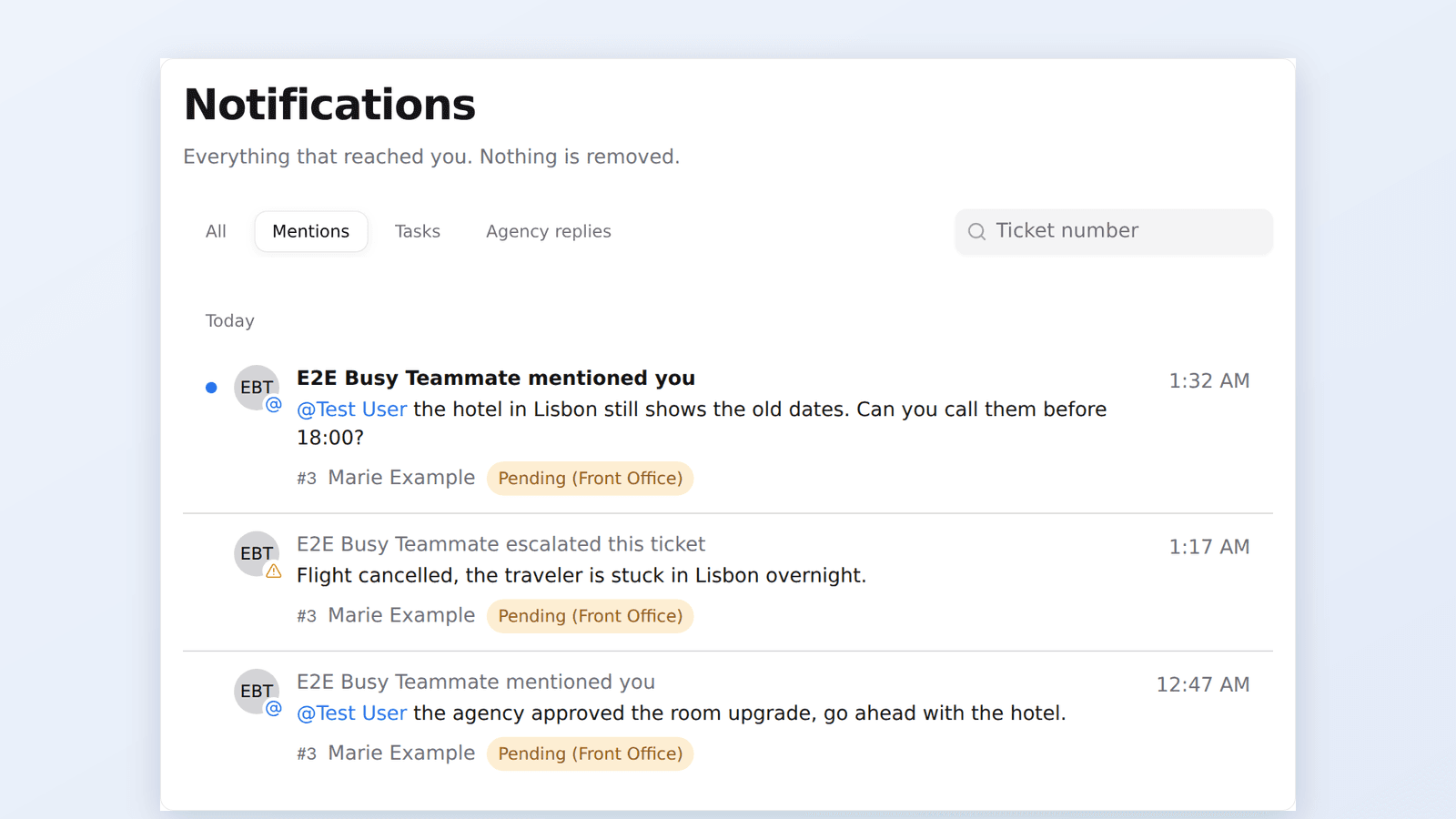
Select "See all" in the bell to open your notification history. It lists mentions, escalations, tasks that came due and agency replies on your tickets, newest first. Opening a notification keeps it there, just without the unread dot.
Each row shows who acted, the message itself (up to two lines), then the ticket number, traveller and status. Filter by All, Mentions, Tasks or Agency replies, search by ticket number, and load older notifications when you need them.
Selecting a mention, escalation or agency reply, from the bell or the history, opens the ticket at that exact message, briefly highlighted. Tasks open the ticket as before.